Digital or Paper Vision Board: Which Works Better?
The pros and cons of paper and digital vision boards, who each suits, and how to get the best of both.
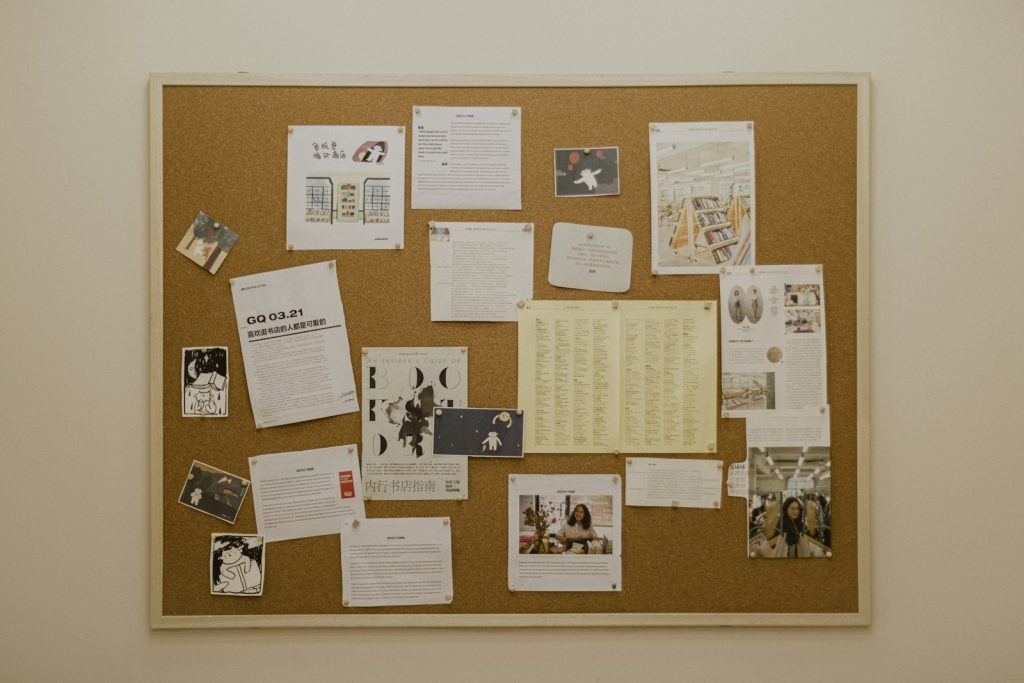
Once you decide to make a vision board, the next question is usually how. Do you get out the scissors and glue, or build one on your phone? Both work. The better choice depends on how you live and where your eyes go during the day.
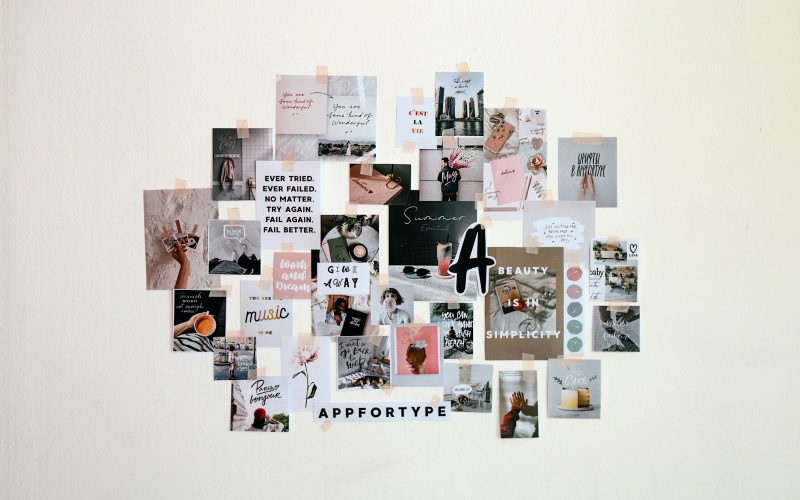
The case for a paper vision board
Pros
- It is physical. A board on your wall is always there. You do not need to open anything to see it.
- Making it is an activity in itself. Cutting, arranging and gluing can be relaxing, and it is a fun thing to do with friends or family.
- It feels personal. Handwriting, real photos and texture make it feel like yours.
- No screens. Nice if you already spend most of the day looking at one.
Cons
- Harder to update. Changing a goal can mean peeling things off or starting over.
- Stays in one place. You only see it when you are in that room.
- Needs supplies and time. Magazines, card, glue and a free afternoon.
- Easy to stop noticing. Things on walls can fade into the background after a few weeks.
The case for a digital vision board
Pros
- Goes everywhere. On your phone, it is with you on the bus, in the queue and at your desk.
- Quick to make and change. Drag in a photo, rewrite a goal, try a new layout in seconds.
- Works as a wallpaper. Set it as your lock screen and you will see it many times a day without trying.
- Private when you want it to be. No need to explain your goals to everyone who visits.
Cons
- Easy to swipe past. A phone screen competes with notifications.
- Less hands-on. Some people find building with their hands more meaningful.
- Can be lost in an app. If it lives in a folder you never open, it is out of sight.

Which should you choose?
A paper board may suit you if you work from home, enjoy crafts, want a family project, or have a wall you pass many times a day.
A digital board may suit you if you are often on the move, like to change your goals as you go, prefer privacy, or already look at your phone first thing in the morning.
If you cannot decide, do both. Build it digitally, where it is easy to arrange and edit, then print a copy for your wall and set another as your phone wallpaper.
Tips that work for both
- Keep it focused. Three to five goals beats thirty.
- Use your own photos where you can. Your street, your people, your progress.
- Add the next step for each goal, not just the result.
- Check in weekly. Five minutes to look, update and choose one action. Our guide to making a vision board you will actually keep using walks through it.
- Refresh it when your goals change. A board that matches your life now will keep holding your attention.
Try a digital collage for free
Our vision board maker works like a paper board on screen: pin words, photos and stickers, overlap them, turn them and resize them. Your board and photos stay on your own device. It takes a couple of minutes, and if you love it, you can print it and have both.